MASTER + AI · A DAY IN THE SHOP
A Master Machinist Brings AI to Work: One Day of Master-AI Collaboration on the Shop Floor
01Why tell the story of collaboration through "one day"?
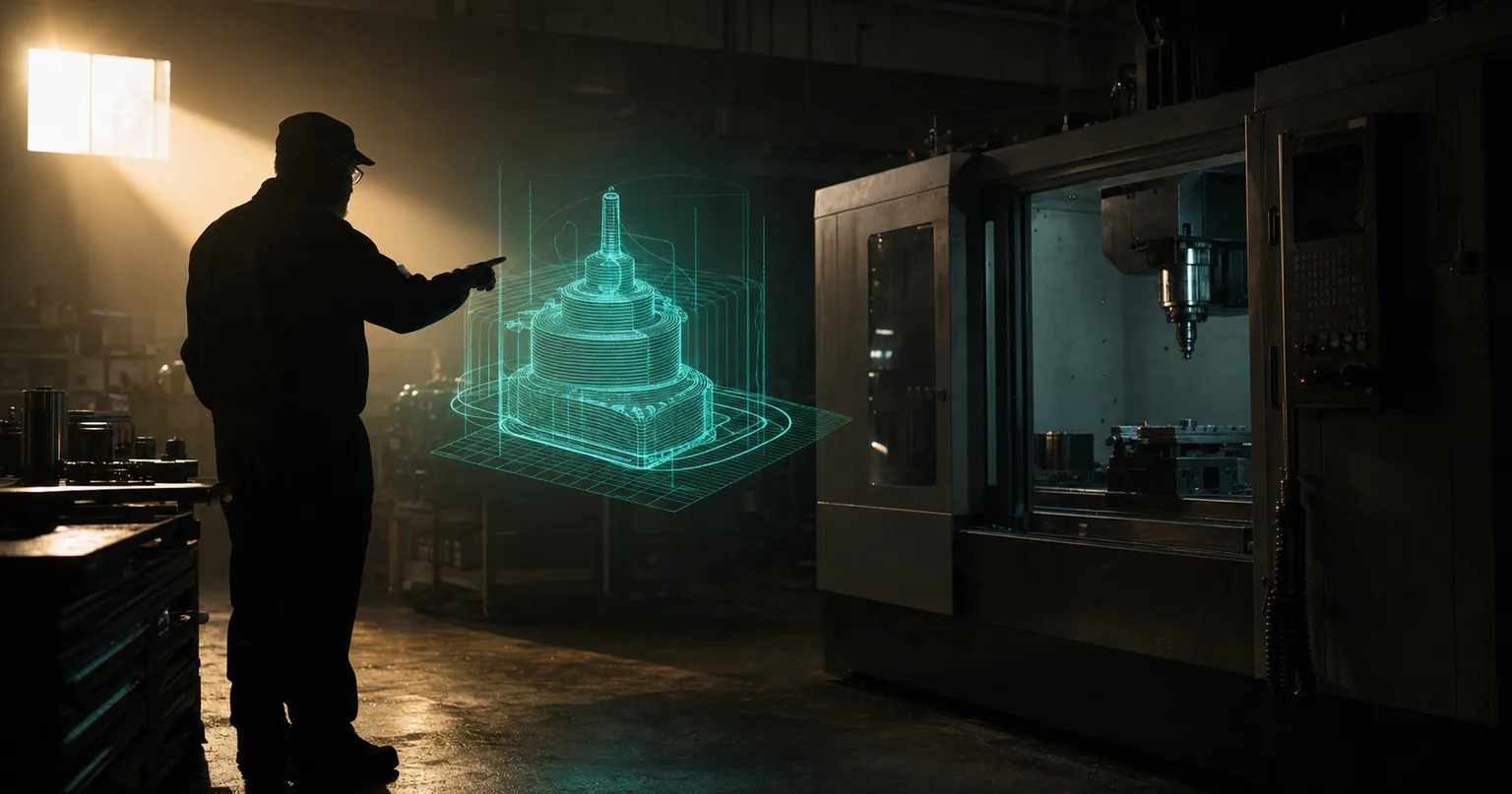
When people talk about AI entering the factory, the picture in their heads is usually "the machine runs itself and the people are shown the door." But what actually lands on the floor of a CNC job shop is a different image: a master who's been at it for thirty years, with a tireless, always-on assistant now sitting at his desk. The classic literature on automation and computer-integrated manufacturing made the point long ago that the key to introducing automation isn't "people or no people," but "which stretch each—human and system—is responsible for": hand the repetitive, standardizable work to the system, and let people focus on judgment and exception handling[1].
So rather than argue in the abstract about "whether AI will replace the master," it's more useful to walk through one concrete day. The "Master Chen" below works at a small-to-midsize job shop that takes on aluminum parts and stainless plate work; today he has to handle a new incoming customer drawing. In each segment we mark two things: what AI did and what the master decided. If you'd first like to understand the longer-horizon question of "how the knowledge is preserved," read this alongside When the Master Retires: How Do You Preserve 30 Years of Experience; this piece is about the day-to-day collaboration.
0207:30 Receiving the drawing and AI reading it
Master Chen arrives at the shop, and the first thing he does is open the customer drawing that sales forwarded over the night before. This time the customer supplied a native DWG file, plus a phone photo of an old part. He drops the drawing into the system, and the AI starts reading it.
What AI did: Recognized the dimension callouts, hole positions, thread specs and standard machining features (pockets, slots, islands, round holes) on the drawing, giving the 2D drawing an initial structure. Deep-learning-based drawing and feature recognition has, in recent smart-manufacturing research, been validated as a viable methodological path—handing features that once relied on humans reading them one by one to a model for a first pass[2]. Structured electronic files like DWG are exactly the input for which recognition accuracy is highest.
What the master decided: Master Chen scanned that photographed old part in a single glance—the photo had shadows and perspective distortion, and the AI had flagged one hole as "needs confirmation" as to whether it was a through hole or a blind hole. From experience he judged it to be a counterbored blind hole and corrected it by hand. What AI reads is "what's drawn on the sheet"; what the master supplies is "what the customer actually wants." That one step set the tone for the whole day: AI drafts, the master calls it.
0309:00 Reviewing the 3D model and tolerances
With the reading done, AI generated a 3D model from the recognition results. Master Chen brewed a cup of tea and began his review.
What AI did: Built the structured drawing information into a visible 3D solid, and had a second, independent AI cross-check the model's dimensions against the original drawing callouts one by one, proactively flagging in red anywhere they didn't match. This approach of "generate one version, then check it with an independent mechanism" echoes what the smart-manufacturing literature recommends for deep-learning systems: a model's output must have independent verification before it can be trusted on the floor[2].
What the master decided: Tolerances and datums. A few dimensions on the drawing weren't individually toleranced, so AI handled them by general-tolerance convention; but one of the hole positions was tied to downstream assembly, and Master Chen knew that one had to be tightened, and re-specified the measurement datum face. Manufacturing systems theory has long stressed that the quality of process planning and decisions depends on understanding a part's function and assembly intent within the system as a whole—this kind of contextual judgment is precisely where humans are irreplaceable in a manufacturing system[3]. AI can compute whether a dimension is correct; it can't compute "why this dimension matters."
0410:30 Checking AI's first-draft G-code and tooling
With the model confirmed, AI drafted the first version of the G-code from the shop's settings.
What AI did: Referencing the shop's own tool library (tool codes, standard lengths, cutting parameters), the machine controller's dialect, and the travel/spindle-speed ceilings, it generated a first-pass machining program and selected tools that actually exist in the crib. Because the tool library and machine ceilings are fed in as boundary conditions, AI won't schedule a tool the shop doesn't even own, nor call up a spindle speed beyond the machine's capability. This idea of "encoding the master's experience into reusable rules" is, at heart, the process-knowledge standardization the automation literature talks about—so that know-how is no longer locked in one person's head[1].
| Step | AI (the diligent apprentice) | Master (final judgment) |
|---|---|---|
| Reading the drawing | Recognizes dimensions, hole positions, standard features | Reads customer intent, corrects ambiguous callouts |
| Modeling | Generates 3D, cross-checks dimensions | Sets tolerances and datums |
| Code generation | Drafts G-code per tool crib and machine ceilings | Reviews cutting sequence and workholding strategy |
| Verification | Cutting simulation, flags interference | Confirms exceptions and floor conditions |
What the master decided: The cutting sequence and workholding. The roughing path AI laid out was efficient enough, but Master Chen saw that one segment came in too hard near a thin wall, where the workpiece could be pushed into deformation by the clamping force and the cutting force together. He adjusted the split between roughing and finishing, and changed the flip strategy too. What AI gives is "a version that will run"; what the master gives is "a version that runs stable."
0513:30 Cutting simulation and AI cross-checking
After lunch, the corrected program went into 3D cutting simulation.
What AI did: Simulated on screen the process of material being removed layer by layer, checking for gouging, leftover stock, fixture interference and travel overruns, and flagged the suspect collision points. At the same time, the dimensional cross-check ran once more, confirming that the revised model still matched the original drawing. In effect, before the machine ran, the program had already been "test-cut" once in the virtual world.
What the master decided: The simulation flagged one spot where the tool shank came a little close to the fixture. Master Chen judged that, given the actual fixture rigidity, this fell within an acceptable range, but to be safe he switched to a shorter tool length and added an air-cut pass to confirm. Simulation can compute "whether it will collide geometrically"; it can't compute "whether this machine's condition today can hold up"—the latter is the feel accumulated over thirty years standing in front of the machine. For a fuller understanding of the simulation and dual-verification mechanism, read on in the pillar article The Complete Guide to BestAI CAM Automated Programming.
0615:00 The final sign-off before the machine runs
Everything's ready, and we arrive at the most critical step—and the one that can least be automated.
What AI did: Assembled a complete prep package—3D model, G-code, tool list, simulation results and the cross-check report—leaving a record at every decision node, so the master can re-check at a glance and it's easy to trace back later.
What the master decided: The signature. Master Chen confirmed, item by item, the tool-length offsets, the approach/retract moves, the travel safety and the machine's current condition, then signed the prep package off for release. That signature isn't a formality—it means "a person who bears responsibility takes final responsibility for running this program on the machine." No matter how fast and how well AI does the first ninety percent of the prep, the release gate is always left to a human. AI can be the most diligent apprentice, but an apprentice doesn't sign.
07Before clocking out A debrief with the apprentice
Before wrapping up, Master Chen pulled up today's prep package and called over Lin, the shop's young technician, for a debrief together.
What AI did: Preserved in full the versions and differences at every step today—AI's first-draft cutting strategy, the master's revised version, the before-and-after comparison of the simulation. These traces make "what exactly the master changed, and why" visible and discussable.
What the master decided: How to teach. Master Chen had Lin look at AI's first draft first and asked him "where do you think the problem is," then set it against his own revised version and spelled out "why you can't cut into a thin wall like that." In the past this kind of know-how could only be picked up by standing beside someone and slowly getting the feel of it; now AI keeps the process as a control group, and abstract experience becomes reviewable. This too is a key step in turning individual experience into an organizational asset—having the reasons behind a decision be voiced and recorded, rather than walking out the door with a person[1]. If you'd like to plan this growth path systematically, see The CNC Engineer's Learning Path for the AI Era; to understand the definition of AI CNC from the ground up, see What Is AI CNC.
The day ends. AI didn't replace a single one of Master Chen's judgments; it merely freed him from "modeling feature by feature, typing line by line, test-cutting over and over," giving him time to do the things only he can do: to judge, and to pass the judgment on.
08FAQ
If a master works with AI, doesn't that mean AI is about to replace them?
Quite the opposite. AI plays the role of the most diligent apprentice, handling the time-consuming prep: reading the drawing, modeling, drafting the G-code and running simulations; whether the cutting strategy makes sense, how tolerances and datums are set, and whether the job can be signed off before it runs remain the master's judgment. AI amplifies the master's throughput; what it replaces is the repetitive prep time, not the judgment.
How much time does the master spend each day reviewing the AI-generated 3D model and G-code?
This article is a hypothetical scenario and makes no specific time-savings claims. In practice the review concentrates on a few critical checkpoints: whether the model matches the original drawing's dimensions (a second AI cross-checks first and flags anomalies), the tolerance and datum settings, the cutting and workholding strategy, and the final sign-off before the machine runs. AI has absorbed the time once spent modeling feature by feature and typing out code, so the master's attention can stay more on judgment.
Will the AI learn the master's cutting habits?
It can learn within a controlled scope. The system can import the shop's tool library, its controller dialect, and historically validated, proven programs, so that what AI generates stays close to the shop's habitual machining patterns. But this is encoding the master's judgment as boundary conditions, not letting AI improvise freely; special techniques and flip-side corrections and other on-the-spot workarounds still require the master to decide in person.
When training an apprentice, does having AI around mean the newcomer learns nothing?
It depends on how you use it. If you treat the AI output as teaching material and a control group—letting the apprentice judge first, then comparing against the AI version while the master explains the differences—AI actually makes abstract know-how discussable and reviewable. The key is that the master voices the reasons behind a decision, while AI keeps a record of the process.
We'll let you know when new articles and video walkthroughs go live—no inbox flooding, one-click unsubscribe. (newsletter in Chinese)
READY FOR A CONTROLLED PILOT?
Let AI be your master's most diligent apprentice
From drawing quality, machine controllers and tool libraries to the review and sign-off points, we help turn your shop's master's judgment into the boundary conditions AI generates within.
Contact an onboarding consultant Training courses09References
- Groover, M. P. (2019). Automation, Production Systems, and Computer-Integrated Manufacturing (5th ed.). Pearson.
- Wang, J., Ma, Y., Zhang, L., Gao, R. X., & Wu, D. (2018). Deep learning for smart manufacturing: Methods and applications. Journal of Manufacturing Systems, 48, 144–156.
- Chryssolouris, G. (2006). Manufacturing Systems: Theory and Practice (2nd ed.). Springer.