TRAINING · HANDS-ON WORKSHOP
BestAI CAM Training:
AI-Assisted Machining Workshops
Tiered, hands-on AI machining courses — every course is a hybrid cohort (in person in Kaohsiung + live online), starting September 2026. Courses are conducted in Chinese.
01Course catalog & upcoming cohorts

AI Machining Preparation — Beginner
Shop owners, successors, junior engineers, sales
None — no programming or CAM background needed
- What AI CNC is: what it can and cannot do, why human-in-the-loop
- Hands-on: AI drawing-to-3D, reviewing dimensions, hole positions, threads
- A full pass of the G-code workflow; reading cutting simulations
Understand what AI can and cannot do; run drawing → model → code → simulation yourself
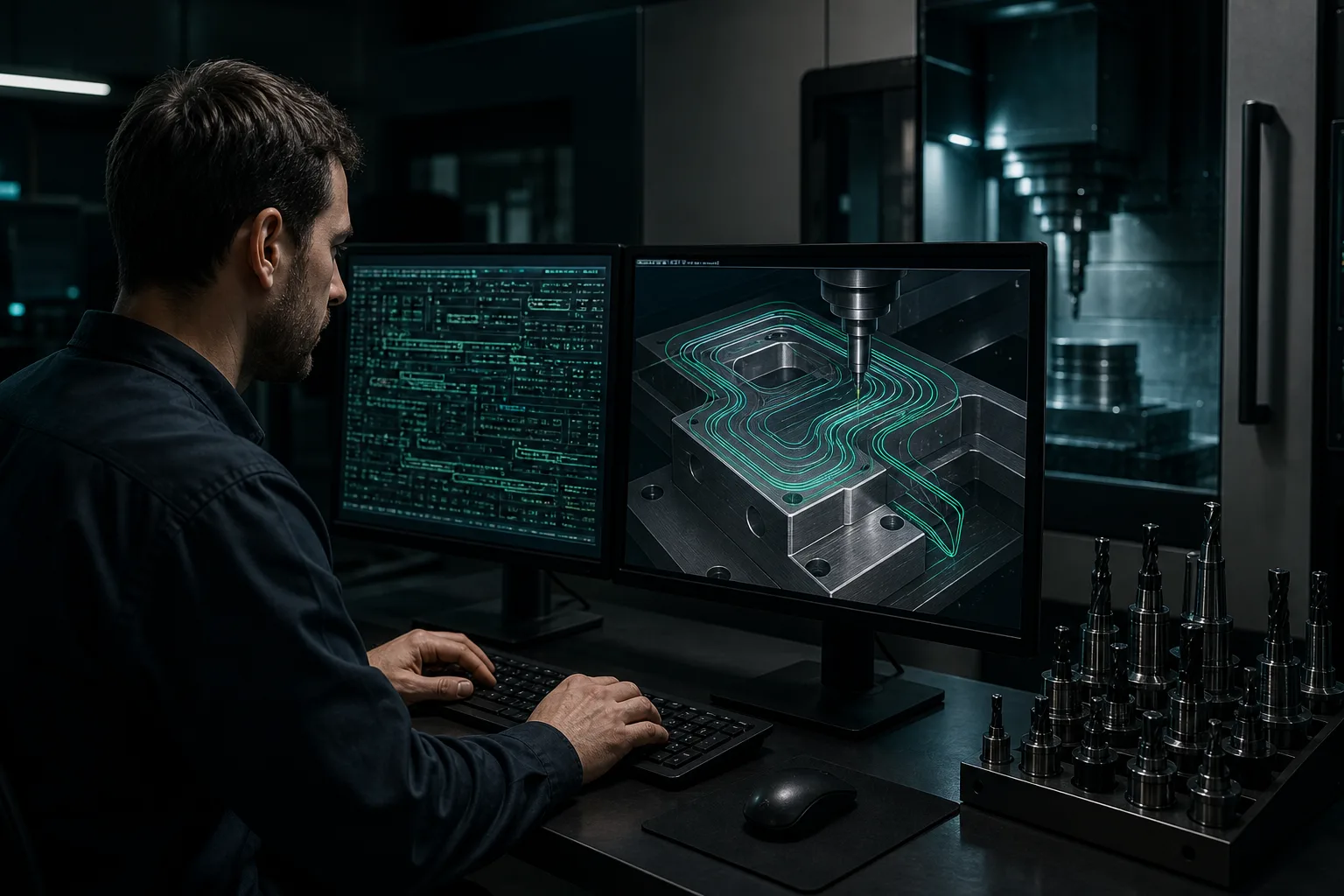
Hands-on AI CAM — Intermediate
Process / CAM engineers
Beginner course first, or existing CAM experience, recommended
- Shop profile and tool library: IDs, lengths, parameters, controllers
- Hands-on: code generation, cutting simulation, AI dimension cross-check, reading warnings
- Pre-machining checklist; AI time estimates in quoting
Use tool-library setup, simulation, and dimension verification in daily work and quoting
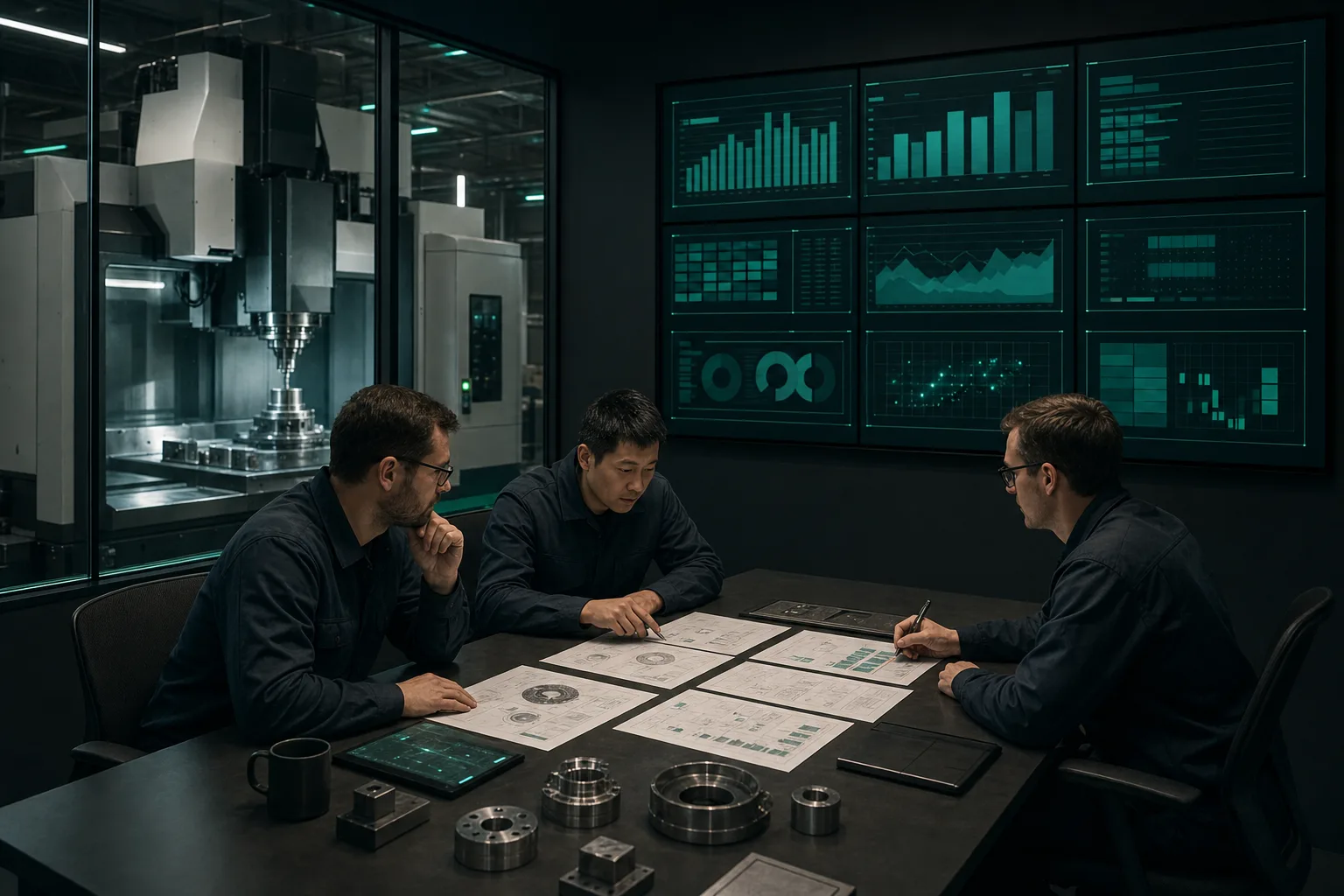
Adoption & Verification — Advanced
Technical managers, adoption leads
Intermediate course first, or an active adoption assessment, recommended
- Reading E2E verification reports: 34 STEP-geometry + 28 G-code checks
- Controlled-pilot design and ROI measurement; job data as assets
- Human-in-the-loop SOPs; NDA security and on-premise planning
Design a controlled pilot, measure ROI, and stand up verification and SOP systems
Custom corporate training (on-site)
A curriculum built from the three module tiers around your drawings, machines, and tool library; NDA available, optional pilot coaching afterward.
Pricing and headcount are confirmed by a consultant after sign-up; cohorts are added or adjusted based on demand. Teams of three or more should ask about corporate training directly.
02Curriculum details
Open each tier for the full outline; corporate training = the three modules combined to your needs.
MODULE 1 · BASICS = Beginner outlineAI CNC overview & hands-on drawing-to-model
Build an accurate sense of capability boundaries and operate AI drawing recognition yourself.
- What AI CNC is: what it can and cannot do, why human-in-the-loop
- DWG / PDF / photo input differences and drawing preparation
- Hands-on: AI drawing-to-3D, reviewing dimension, hole, and thread recognition
MODULE 2 · PRACTICE = Intermediate outlineTool library, G-code generation & simulation verification
File your shop knowledge so AI works inside your boundary conditions.
- Filing tool IDs, lengths, and cutting parameters; controller and travel settings
- Hands-on: generate G-code, run cutting simulation, read overcut / interference / travel warnings
- AI verifying AI: reading the dimension cross-check report and chasing anomalies
- Pre-machining checklist: tool-length compensation, lead-in/out, header review
MODULE 3 · ADOPTION = Advanced outlineControlled-pilot design, ROI measurement & security
Take the classroom back to the shop as a measurable adoption plan.
- Criteria for picking the first pilot drawing; baselines and hours-delta measurement
- Designing review and sign-off points: which checkpoints require humans, written into the SOP
- Handling NDA drawings: on-premise concepts and a security checklist
03FAQ
How do I choose between Beginner, Intermediate, and Advanced?
New to AI CNC → Beginner; CAM experience, want it in daily use → Intermediate; responsible for adoption decisions and SOPs → Advanced; the whole team together → custom corporate training with modules combined to your needs.
What if no cohort time fits? Will more be added?
These cohorts are the first wave; more are added or adjusted based on sign-ups. If nothing fits, choose "Not decided yet" on the form and leave your preferred slots — we notify you when a small group fills. Teams of three or more can go straight to corporate training.
Who are the courses for? Is programming required?
Designed for shop owners, process/CAM engineers, and successors — no programming background needed. Hands-on work centers on AI tool operation and engineering judgment, connecting to your existing machining knowledge.
Public cohorts or corporate training? How is scheduling handled?
Both: public cohorts are small groups scheduled by demand; corporate training is taught on site, customized with your drawings and tool library. A consultant confirms the cohort after sign-up.
Will our own drawings be used? What about confidential drawings?
For corporate training, bring 1–2 real drawings through the full workflow for the best results; NDA drawings can be de-identified or exercised in your on-site environment — drawings never leave your control.
After the course, can AI-generated programs go straight to the machine?
No — the course teaches exactly how to gatekeep: simulation and senior review before the machine, with the check flow built into your shop SOP.
SIGN UP / INQUIRY
Sign up or ask about corporate training
Submit the form and an adoption consultant will contact you to confirm the cohort, headcount, and course format.
You can also sign up by email, or start with the CNC auto-programming guide and adoption ROI & controlled pilots.