RUSH ORDER & RAPID PROTOTYPING
Rush-Order Machining & Rapid Prototyping: How to Keep "Fast" From Turning Into "Sloppy"
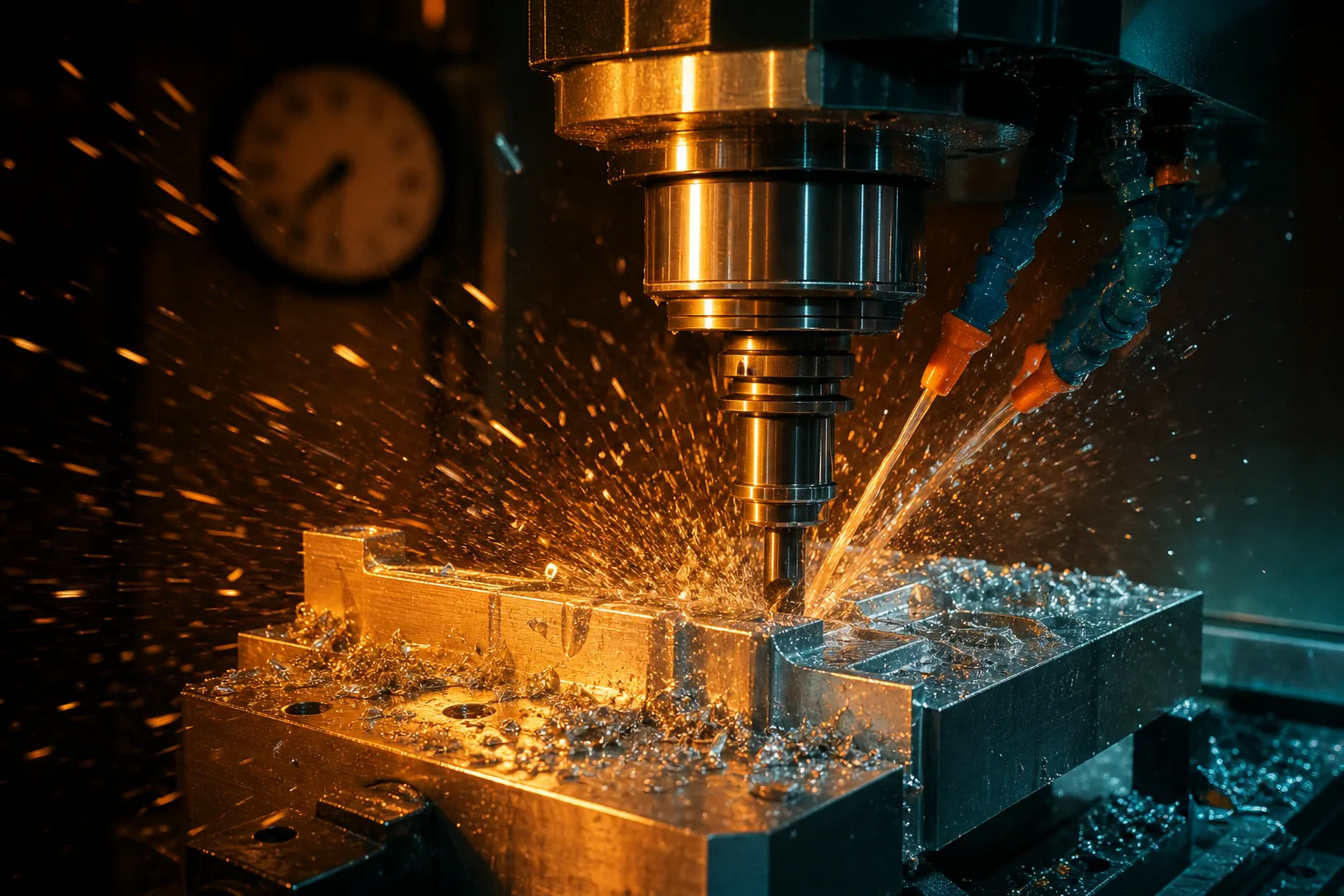
01Rush-order machining and rapid prototyping — what exactly are you racing?
Rush-order machining means a machining order completed in a shorter time than the normal lead time, while rapid prototyping is a small run of samples rushed out to validate a design before R&D or mass production. Both are often treated as a "buy speed with money" service, but what really decides how fast a job goes is usually not the machine's cutting speed — it's how much of the "waiting" and "back-and-forth" across the whole process has been compressed.
Manufacturing-systems theory splits a part's total time into machining time and non-machining time, and in most shops the share actually spent cutting is in fact low — a large amount of time is lost waiting for material, waiting for drawing confirmation, waiting for program verification, and queuing for the machine (Chryssolouris, 2006)[1]. That's why, if "going fast" only means speeding up the machine, the effect is limited; the real leverage is in shortening those invisible waits.
02The real cost of a rush job: rush one order, stir the whole schedule
Cramming a rush order into an already-full production line rarely costs just "this one order." It ripples down the whole schedule in a chain reaction:
- Insertion chain reaction: to get the rush job on the machine first, other orders already scheduled get pushed back, and the number of tool changes, fixture swaps, and re-warmups goes up. Production-systems research points out that frequently altering the schedule and adding changeovers lowers overall output and lengthens the lead times of other orders[1] — in other words, one rush order's "fast" may be bought with the "slow" of several normal orders.
- Overtime and fatigue: rush jobs are often achieved by extending working hours, but fatigue raises the odds of misreading and operating errors, which in turn increases rework.
- Quality and verification risk: squeezing drawing confirmation, program verification, and first-article inspection to save time is the most dangerous step in a rush job — you save minutes and may pay with a whole batch redone. The automation and process-integration literature repeatedly stresses that catching an error before machining costs far less than fixing it afterward (Groover, 2019)[2].
Understanding these costs isn't meant to talk anyone out of taking rush jobs — it's about putting "fast" in the right place: compress the waiting and the back-and-forth, don't skip the checking and verification.
03Which parts can actually go fast?
Even under the same "rush" flag, some parts get moving in no time while others can't be hurried no matter how much you push. The difference is almost always whether the "information and preparation" is in place, not how hard the geometry is. The parts that truly go fast usually have the following traits:
- Complete drawing: dimensions, tolerances, datums, material, quantity, and acceptance method all called out clearly at once, ideally as a native DWG electronic file, so the supplier doesn't keep coming back to ask.
- Mostly standard machining features: ordinary holes, threaded holes, slots, pockets, and other common features are easy to generate programs and toolpaths for; by contrast, parts with lots of special processes, complex surfaces, or custom fixtures take a long time to prepare.
- Material is shop stock: using in-house stock materials like aluminum and steel avoids procurement and material-arrival waits; ordering special materials or special-spec stock ties the lead time to the supply end.
Conversely, parts with incomplete information, that need back-and-forth confirmation, or that require special stock and special tooling can't go fast even after paying the rush fee — because the bottleneck was never the machine, but those waits. If your need itself is high-mix, low-volume samples, you can also refer to the approach to high-mix, low-volume prototyping and get the "prerequisites for going fast" ready first.
04How buyers speed themselves up: send everything at once
Many buyers assume lead time is entirely in the supplier's hands, but the buyer actually holds the biggest lever for going faster — send the information all at once and avoid the back-and-forth. These three things are the most effective:
- Give the native DWG file, not just a PDF or a photo: a native electronic drawing carries structured dimension and layer information, so the supplier reads the drawing, builds the model, and quotes faster and with less chance of misreading; photos and scanned drawings often need a callback to confirm through-holes vs. blind holes and tolerances.
- Set tolerances sensibly: tighten tolerances only on the dimensions that truly affect assembly and function, and use general tolerances for the rest. Demanding high precision across the whole drawing forces the supplier to slow down and add inspection, driving up both lead time and cost.
- Give all requirements at once: material, quantity, critical dimensions, surface treatment, acceptance method, and delivery date — state them clearly at the quoting stage to avoid the repeated back-and-forth caused by "just quote me first, we'll sort out the details later."
These are really just what a good RFQ should contain. If you're not sure how to write requirements clearly, refer to our CNC RFQ and outsourcing guide and make "send everything at once" a habit — only then does a rush job have a chance to truly be rushed.
05The supplier's confidence to go fast = preparing fast
From the supplier's point of view, the "confidence" to take on rush jobs isn't a machine that's faster than everyone else's — it's doing the pre-machining preparation both fast and reliably. As noted earlier, the share of total time actually spent cutting is in fact low; a large amount of time is spent on pre-machining work like reading the drawing, modeling, programming, and verification[1]. Whoever can shorten that front end is the one who can shorten the lead time without sacrificing quality.
This is exactly where AI assistance can honestly help. Take our approach as an example — AI is responsible for speeding up the pre-machining preparation process:
- Read the 2D drawing (DWG first, PDF/photo as backup), automatically recognize dimensions, hole positions, and standard machining features, and build a 3D model;
- Draft G-code against the shop's tool library, controller model, and travel/spindle-speed limits, so the program starts out close to real machine conditions;
- Preview the toolpath with 3D cutting simulation to check for overcuts and interference, then have an independent AI cross-check the model's dimensions against the original drawing and proactively flag anomalies.
Shortening drawing-reading, modeling, and code generation from hours means compressing the most time-consuming pre-machining work of a rush job, rather than making the machine run over-speed. The honest limits deserve to be stated clearly too: AI does not replace human judgment. Tolerance trade-offs, datum setting, special processes, and the final pre-machining sign-off remain in the hands of professionals — the same principle the automation literature stresses about "catching errors before machining"[2]. So what AI brings is "faster preparation, undiminished checking," not trading quality for speed. As for how the overall lead time is scheduled and how a rush order is inserted into the existing schedule, see the further reading on how AI helps with lead-time scheduling.
06Rush-order checklist
The table below is a checklist you can walk through yourself before placing a rush order. The more completely you prepare, the higher the odds the supplier can genuinely go fast, and the less back-and-forth on quoting and confirmation.
| Checklist item | Why it affects "fast or not" | Ideal preparation |
|---|---|---|
| Drawing format | Native files make reading and modeling fast with fewer misreads; photos need a callback | Provide native DWG/STEP files, with PDF as backup |
| Dimensions and tolerances | Over-tight tolerances force slower work and more inspection | Tighten tolerances only on critical dimensions, use general tolerances for the rest |
| Datums and GD&T | Unclear datums cause measurement and machining back-and-forth | Mark datum faces and critical geometry requirements |
| Material and quantity | Special stock has procurement waits; quantity affects the process | Specify the material, prefer shop stock; note the quantity |
| Machining features | Standard features are easy to program; special processes take long to prepare | Design with standard holes/slots/pockets as much as possible |
| Acceptance method | Unclear acceptance criteria drag disputes to delivery | Agree on measurement items and acceptance basis in advance |
| Confirmation time | Skipping confirmation = pushing risk downstream | Leave basic time for drawing confirmation and first-article verification |
07FAQ
Why are rush jobs more prone to errors?
The risk isn't the spindle running faster — it's the preparation getting squeezed. When you're racing, an inserted order disrupts the existing schedule, the time for drawing confirmation and program verification gets cut, and overtime tires people out. Manufacturing-systems research shows lead time is driven mainly by the scheduling and coordination of the whole process, not by the speed of any single machine, so the right way to go fast is to compress waiting, not to skip checks.
Which parts can actually be prototyped quickly?
Parts go fastest when the drawing is complete (dimensions, tolerances, and datums all present, ideally as a native DWG file), when they're built mostly from standard machining features, and when the material is shop stock. Conversely, parts with incomplete information, that need back-and-forth confirmation, or that require special stock or special tooling won't go fast even flagged as rush.
How can a buyer help speed things up?
The three most effective things: send everything at once (native DWG file, material, quantity, critical tolerances, acceptance method) to avoid repeated asking; set tolerances sensibly, tightening only the dimensions that truly need it; and leave basic time for confirmation and verification. This sharply shortens the least controllable part of the lead time — the waiting and the back-and-forth.
Can AI make rush jobs faster? Does it sacrifice quality?
What AI speeds up is the preparation before machining — reading the drawing, modeling, drafting G-code against the shop's tool library and machine conditions, then checking it with cutting simulation and dimensional cross-verification. It doesn't make the machine run over-speed, nor does it replace human judgment; tolerances, datums, special processes, and pre-machining sign-off are still confirmed by professionals. So the effect is "faster preparation, undiminished checking," not trading quality for speed.
Get notified when new articles and video guides go live — no inbox flooding, one-click unsubscribe.
NEED IT FAST — WITHOUT THE CHAOS?
Put "fast" in the right place, so rush jobs run steady
From drawing completeness and tolerance sensibility to how to compress the pre-machining preparation, we help you assess the right approach for the rush jobs and prototyping needs on your desk.
Contact an implementation advisor Training courses📋 Free download: "CNC Outsourcing Checklist" (printable) (中文)
08References
- Chryssolouris, G. (2006). Manufacturing Systems: Theory and Practice (2nd ed.). Springer.
- Groover, M. P. (2019). Automation, Production Systems, and Computer-Integrated Manufacturing (5th ed.). Pearson.